Mexican Ninja Build Planner
Two slots. If they do the same job, the panda does not care how stylish you looked.
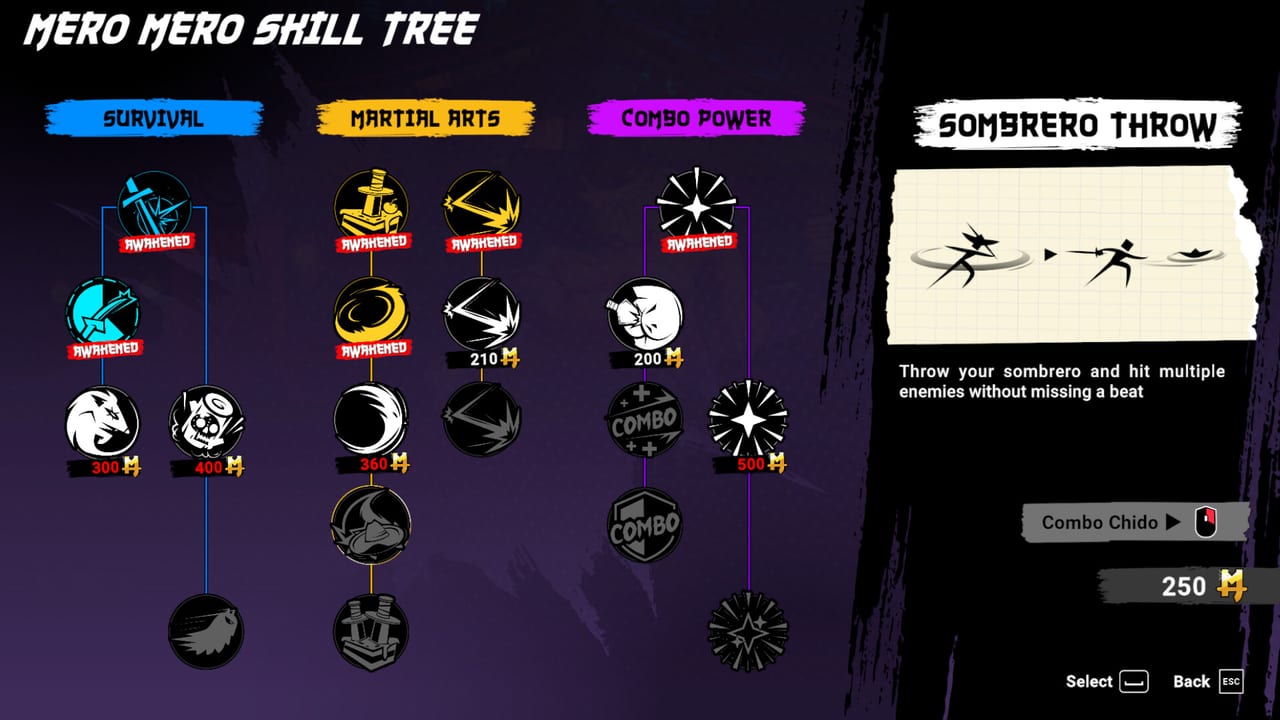
This planner is a pairing sheet. It does not simulate damage and it does not name every Mexican Jutsu, because a complete official list is not something this wiki will invent on launch weekend. Pick a job for slot A, a job for slot B, and a bias that matches how you actually die. Then go test it on a street, not in a comment section.
If you do not know what a Jutsu is yet, stop and read Jutsus and Getting Started. If you cannot press the triggers, read controls.
Build sketch
Pick two Mexican Jutsus and a run bias. Use this as a planning sheet before you spend a death on a messy loadout.
Suggested focus
How to read the result
Crowd + burst is the default clear. It is what best builds calls archetype 1+4.
Fire + air wants burn cards from run items and jump comfort from combat.
Sustain + crowd is the hangover-heavy sleeper for players who hate jump timing.
Same job twice is the failure mode. Change a slot. Lords on the bosses page will not negotiate.
After you lock a pair
- Buy matching donkey nodes — Way of the Donkey.
- Draft in-family cards only.
- Walk the walkthrough rhythm: two stretches, then a head.
- If the pair still feels identical, that may be the game’s variety limit. The review already said that out loud.
Spend coins. The planner cannot do that for you.
Why a planner exists in a two-slot game
Because reward screens are fast and deaths are loud. Players pick two wipes, feel like gods for a street, then learn on the panda that spectacle is not a job. The widget above is a speed bump. It does not know your donkey nodes. It cannot see that you still dash into belly-bumps. That is controls and combat.
Use it when:
- The last death was a lord and both triggers were crowd tools.
- A card offers a fire trail and you already stacked burn.
- You are teaching a friend and need language other than “idk press RT.”
Do not use it when you have not finished Getting Started. A planner on an empty tree is a mood board.
Bias meanings in plain terms: aggressive means you will take fights in the pile; parry-first means you wait for a readable swing; mobility means you already trust dash. If you pick mobility and still eat Chunk intros, the result text will be optimistic. Believe your deaths more than the dropdowns.
Write the pair down if you have to. The game will not. Then spend coins on Way of the Donkey so the next test is not the same empty first hour. If the panda still wins, the pair was fine and your parry was not — combat and bosses. If streets still wipe you with a reset slot equipped, you are firing it late or not at all. The planner cannot press the trigger.
If you change pairs every death, you are not testing. Pick one complementary pair for three runs. Only then open best builds to see whether you were in the wrong archetype. Random dropdown tourism is how people conclude the game has no builds. It has two slots. Treat them with a little respect. Then close this tab. A planner you reread between every street is procrastination with extra dropdowns. Nuevo Tokyo does not wait. Neither does the garbage truck. If this widget becomes a ritual, you are stalling. Lock crowd plus burst, buy an HP node, and take the next street from the walkthrough.
After a pair feels good for two streets, stop opening this page. Go to bosses and spend the punish slot on purpose. The planner has done its job.
Frequently Asked Questions
Quick answers to the most common questions.
Does this planner use official Jutsu names?
No. It uses jobs (crowd, burst, sustain, fire, air) so we are not inventing a roster. Match the jobs to whatever the in-game cards actually say.
Can I save a build?
Not to the cloud. Remember the pair, or screenshot it. Mexican Ninja does not expose a loadout code.
What if both slots want crowd control?
Change one to burst, air slam, or sustain. Double wipe is why boss attempts feel endless.
Where do I learn the actual buttons?
The Controls guide. This page will not rebind your pad.